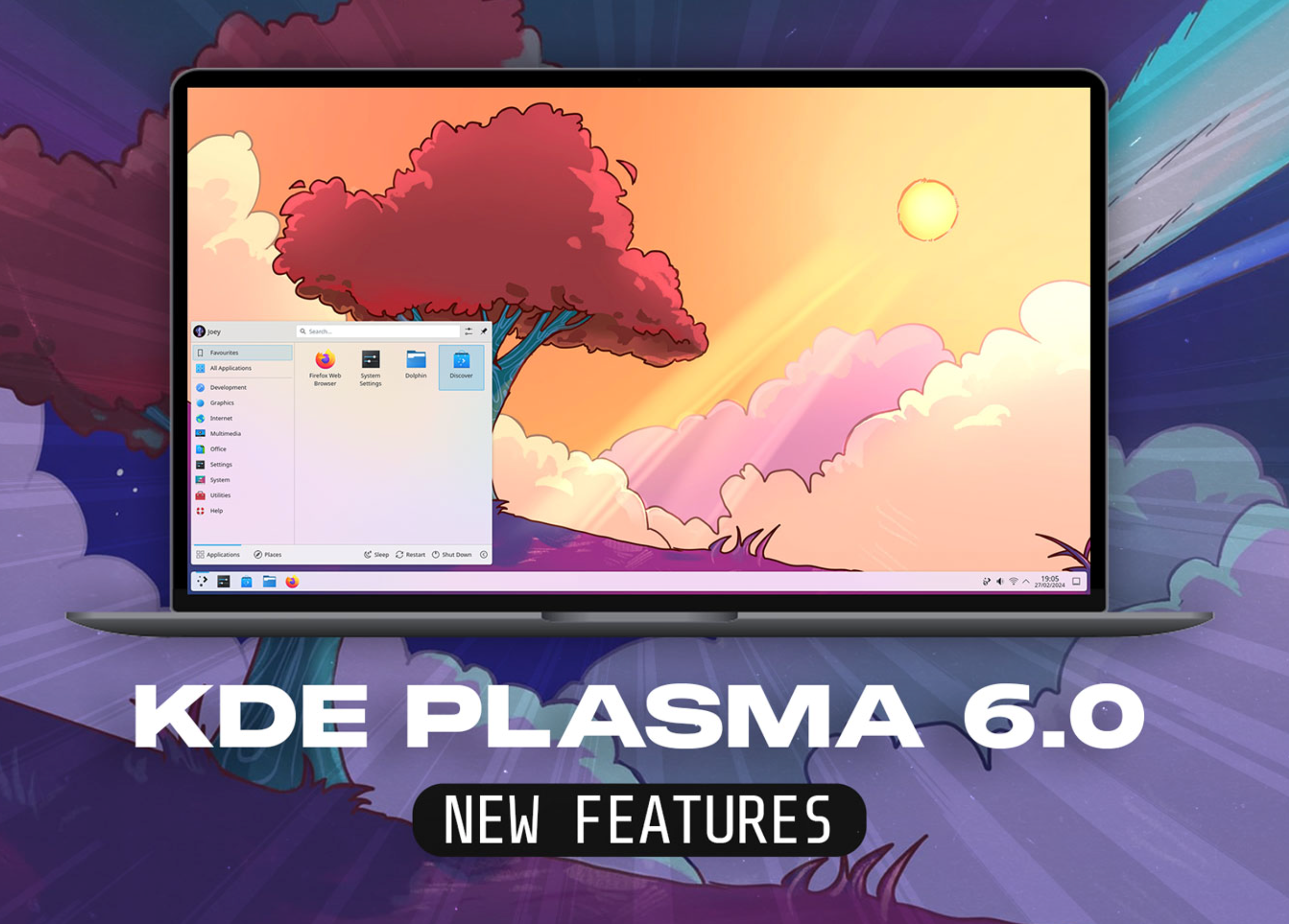
KDE Plasma 6.7.0 brings a small change that fixes a daily pain point for many users, especially those who rely on notifications to manage work and updates. The desktop will now let users clear all notifications with a single keyboard shortcut, removing the need to open the notification panel just to clean it up.
A simple fix for a daily desktop problem
For many Linux users, KDE Plasma is the reason they left Windows behind. It is fast, flexible, and deeply customizable. Yet even loyal fans admit it still has a few rough edges.
One of them has been the way notifications pile up. If you already read them or know what they say, you still had to open the notification panel and clear them by hand. That small step breaks flow, especially during work.
KDE Plasma 6.7.0 finally removes that friction with a global hotkey that clears notification history instantly. One key press, and the notification list is gone.
How the clear notifications hotkey works
The new feature allows users to assign a global keyboard shortcut that clears all stored notifications at once. It does not come enabled by default.
Users must go into system settings and manually assign the shortcut. This design choice matters because it prevents mistakes. You will not lose alerts unless you choose to use the feature.
When the shortcut is pressed, Plasma shows a brief on screen message confirming that the notifications have been cleared. Opening the notification panel afterward shows an empty list.
This makes the action clear and safe, even for users who worry about clearing alerts by accident.
Why this matters more than it sounds
Clearing notifications may sound minor, but desktop design often lives or dies on small details.
Notifications sit at the center of daily computing. They carry messages from apps, system alerts, downloads, updates, and reminders. Over time, they stack up and become visual noise.
By reducing a multi step action to a single key press, KDE Plasma improves focus and speed. That is the kind of polish users notice after weeks of use, not minutes.
This change also aligns with Plasma’s long standing goal of giving users full control over how the desktop behaves.
What else is coming with Plasma 6.6.0
While the hotkey belongs to version 6.7.0, attention has also turned to the upcoming 6.6.0 release, which is expected soon.
There are not many new headline features planned for 6.6.0, and that is intentional. Development focus has shifted toward stability and cleanup.
A large batch of bug fixes is scheduled, targeting issues reported by users across printing, system settings, and daily desktop behavior.
Some of the areas receiving attention include:
-
Printing reliability and clearer error handling
-
Reduced crashes in system settings
-
Better consistency in Plasma widgets
These fixes may not grab attention, but they shape how smooth the desktop feels over time.
The role of open development in Plasma’s progress
One reason these small but meaningful changes happen is KDE’s open development process.
Weekly development updates give users insight into what contributors are working on. Features like the clear notifications hotkey often start as user requests or long standing bug reports.
In this case, the hotkey was tracked through KDE’s public issue system before being implemented. That visibility helps developers focus on real world usage rather than guesswork.
It also allows users to see that their feedback directly shapes the desktop they use every day.
What KDE Plasma 6.7.0 signals for the future
Plasma 6 has already marked a major shift with its new base and visual updates. Version 6.7.0 shows that the project is now focused on refinement.
Instead of sweeping redesigns, developers are smoothing edges and fixing workflow gaps that long time users feel the most.
These are the changes that build trust. They show that KDE Plasma is not chasing trends but listening to how people actually use their systems.
For users who switched from Windows and never looked back, updates like this reinforce why Plasma continues to feel like home.
KDE Plasma 6.7.0 may not rewrite the desktop experience, but it proves something just as important. The project still cares deeply about everyday usability, even in the smallest details. What do you think about this change? Would a clear notifications hotkey improve your daily workflow? Share your thoughts and pass this article along to other Linux users who care about desktop polish.